Garmin Edge 530 Review 2026: Still a Smart Buy for Riders?
Our Garmin Edge 530 review weighs up battery life, navigation and value in 2026, and explains who should still buy this button-operated bike computer.
Garmin Edge 530 review: the verdict up front
Garmin launched the Edge 530 in 2019 as the button-operated sibling of the touchscreen Edge 830, and it has stayed on sale ever since — unusual longevity for a bike computer. In 2026 it is no longer the newest unit in Garmin's range, yet it is still one of the most common computers on British club runs, audax events and trail centre car parks. That tells you most of what you need to know about how well the formula has aged.
This review covers what the Edge 530 does, where it still holds up, where newer hardware has moved the game on, and whether it deserves a place on your bars.
What the Edge 530 actually is
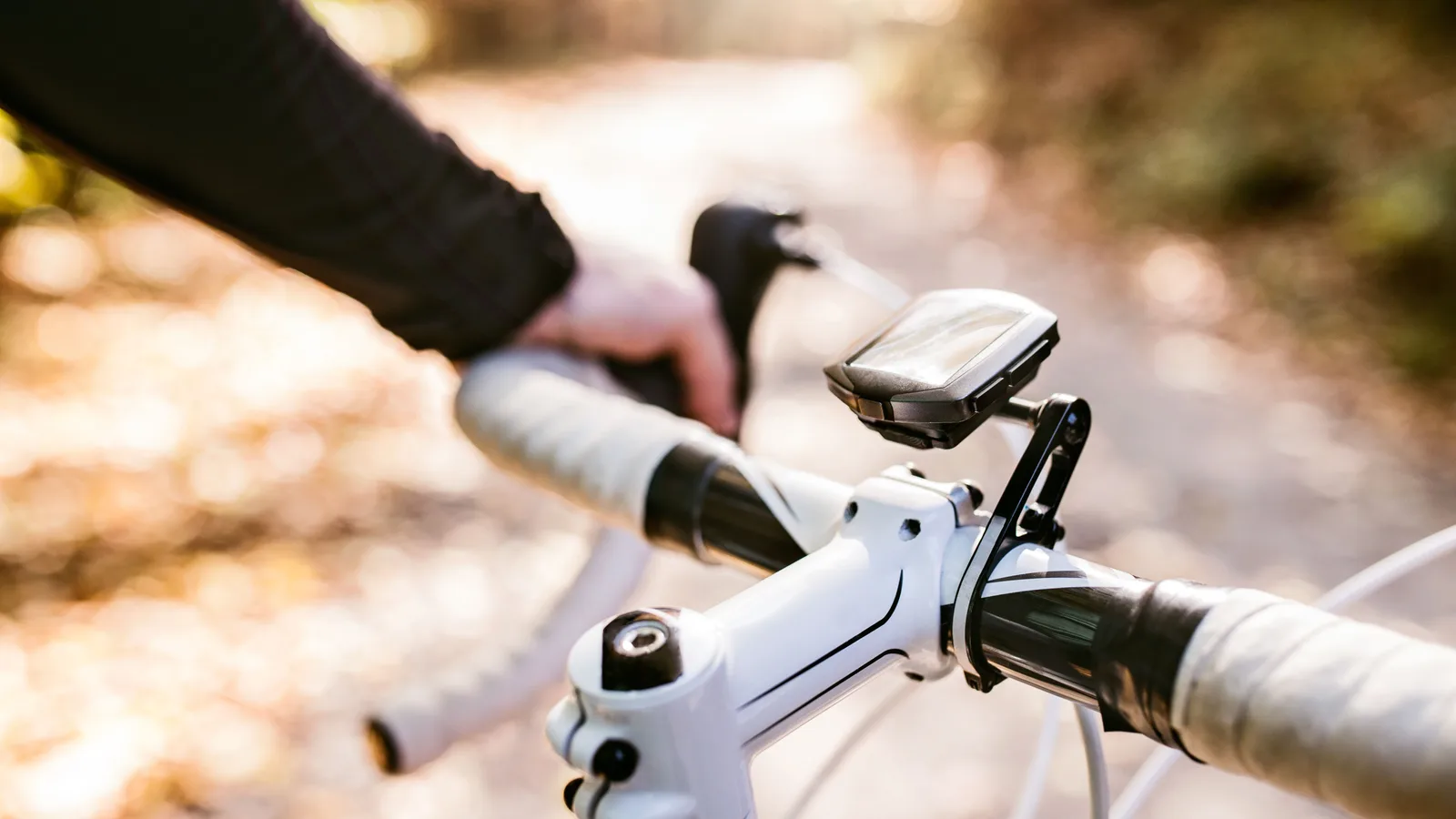
At its core it is a straightforward GPS cycle computer. The 2.6-inch colour screen is not a touchscreen: everything runs from the buttons around the edge of the unit, which is the single most divisive thing about it. Garmin builds in a barometric altimeter for elevation, a routable basemap for navigation, and support for both ANT+ and Bluetooth sensors — power meters, heart-rate straps, speed and cadence sensors, electronic groupsets such as Di2 and eTap, and Garmin's Varia radar and lights.
It mounts with the same quarter-turn fitting used across Garmin's range, so out-front brackets and spare mounts are cheap and widely stocked.
- Display
- 2.6 in colour, non-touch, low resolution by current standards
- Controls
- Physical buttons around the casing
- Battery (Garmin claim)
- Up to 20 hours of running time
- Charging
- Micro-USB
- Weight
- Around 80 g
- Water resistance
- IPX7 rated
- Positioning
- GPS, GLONASS and Galileo; single-band only
- Maps
- Preloaded routable Garmin Cycle Map
- Sensor support
- ANT+ and Bluetooth: power, heart rate, speed, cadence, radar, lights, shifting
- Phone link
- Bluetooth to Garmin Connect for uploads and live features
Strengths and weaknesses
What it does well
- Battery life is the headline: Garmin quotes up to 20 hours, and navigation plus sensors eat into that rather than wiping it out
- Buttons work reliably with gloves, wet hands and mud — no smeared touchscreen on a rainy club run
- Full routable mapping, turn prompts and ClimbPro climbing profiles at a price point where many rivals offer less
- Broad sensor support, including power meters, electronic shifting and Varia radar and lights
- Tough, water-resistant body and a mount standard that makes spares easy to find
Where it falls short
- The screen is dim and low resolution next to newer computers, and street names are fiddly to read at speed
- Setting up data fields and menus takes time, and the Garmin Connect app is still clunky
- Micro-USB charging feels dated
- Single-band GPS wanders under dense tree cover and between tall buildings
- Live tracking, incident alerts and ride uploads all depend on a paired phone
How it scores on the things that matter
- Navigation and mapping
- 3.5 / 5
- Routable maps, turn prompts and return-to-start work well; panning and zooming with buttons is slow and the panel is coarse.
- Battery life
- 4.5 / 5
- Up to 20 hours claimed, and realistically most of that with a route loaded and a couple of sensors connected.
- Training and data
- 4.5 / 5
- VO2 max, training load and status, recovery time, structured workouts, Strava Live Segments and MTB metrics.
- Screen readability
- 2.5 / 5
- The weakest part of the package in 2026: low resolution, modest brightness and a small viewing area.
- Controls
- 4.5 / 5
- Seven buttons that behave predictably in rain, gloves and mud — the reason many riders still choose it.
- Value for money now
- 4.0 / 5
- Strong at discounted prices; much less convincing if it creeps close to the cost of newer hardware.
Read the scores together and the picture is clear: the Edge 530 wins on endurance, controls and data, and loses on the display. If you glance at your computer constantly for map detail, that trade-off will annoy you. If you glance at it for power, heart rate and a cue to turn left, it will not.
Training features and sensor support
The training side goes well beyond speed and distance. The Edge 530 estimates VO2 max, tracks training load and training status, and gives a recovery time after hard sessions. You can follow structured workouts and intervals, race Strava Live Segments (a Strava subscription is needed for segments), and view power, cadence, heart rate and left/right balance from paired sensors.
Mountain bikers also get Grit and Flow scores plus jump counts — niche, but useful if you ride trail centres regularly. Riders who just want a breadcrumb trail and a speed readout will ignore most of it, and none of it gets in the way if you do.
Battery, build and everyday reliability
Garmin quotes up to 20 hours of running time, and that figure is realistic if you are not running full backlight, navigation and several sensors at once. Add a route, a power meter and a heart-rate strap and you will see less — but still enough for a long audax or a full day in the mountains without a battery pack. Charging is over micro-USB, so in 2026 that means one more cable to remember alongside everything else.
The unit itself is reassuringly tough. It is IPX7 water-resistant and the buttons are sealed, which is exactly what you want from a computer that lives on British winter roads.
Who should buy it — and who should skip it
Buy it if you value reliability over polish. Audax and long-distance riders get a computer that will run all day and navigate them home. Mountain bikers get trail mapping, jump metrics and buttons that survive a muddy glove. Club riders moving up from a basic speed-and-distance unit get mapping and power support in one go, and commuters get a unit that shrugs off rain and potholes.
Skip it if the screen matters most. Riders who want a crisp, bright, touch-driven map, multi-band GPS accuracy in woodland, or USB-C charging should look at newer hardware. And if you only ever ride routes you already know and want little more than speed, distance and Strava uploads, a simpler and cheaper computer will do the job without the menu complexity.
Buying advice before you commit
-
Check which bundle you are looking at
The Edge 530 has been sold on its own and as a bundle with a heart-rate strap and speed and cadence sensors. Work out whether you need the sensors before comparing prices, because the bundle maths only works if you would buy them separately.
-
Compare the price against newer models
The 530 is old hardware. If the gap to a current-generation computer is small, the newer unit usually wins on screen, GPS accuracy and charging. The 530 makes sense when it is clearly the cheaper option.
-
Confirm it will talk to your existing kit
Power meter, electronic groupset, Varia radar or lights, heart-rate strap — check compatibility before buying, particularly if you run older ANT+ only sensors.
-
Check the mapping for where you ride
The preloaded basemap covers a region. If you ride abroad regularly, make sure the mapping you need is included or can be added before you rely on it.
-
Set it up before your first ride
Pair your phone, update the firmware through Garmin Connect, and build two or three data pages you actually use. Doing this at the kitchen table beats doing it at the roadside.
Garmin Edge 530: common questions
Can I use the Edge 530 without a phone?
Yes for recording, navigation and sensor pairing, and you can load routes by cable from a computer. A paired phone is needed for automatic ride uploads, LiveTrack, incident-detection alerts and route transfers through Garmin Connect.
Is the Edge 530 a touchscreen?
No. It is button-operated only; the Edge 830 was the touchscreen model of the same generation. The buttons are one of the 530's main selling points in wet, cold or muddy conditions.
How long does the battery really last?
Garmin's claim is up to 20 hours. Running navigation, a bright backlight and several sensors at once shortens that noticeably, and an older second-hand unit will hold less charge than a new one.
Does it work with power meters and radar lights?
Yes. It pairs with ANT+ and Bluetooth power meters, heart-rate straps, speed and cadence sensors, electronic shifting and Garmin's Varia radar and lights, and can display data from them alongside navigation.
Do I need a Strava subscription to use it?
Not for recording and uploading rides. Live Segments, which let you race segment times on the move, require a paid Strava subscription.