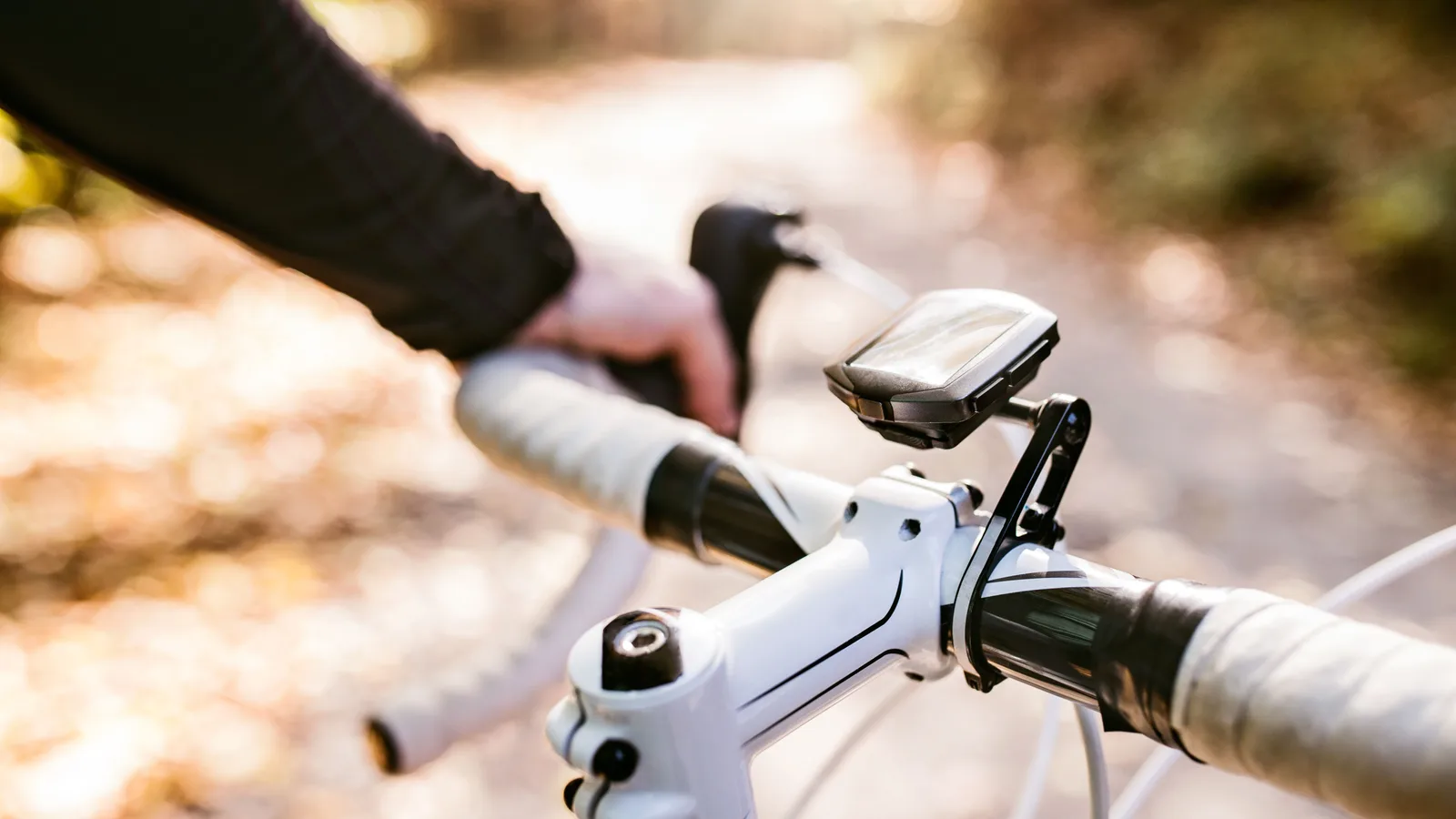
Garmin Edge 1040 Review 2026: The Premium Touring Computer
Our Garmin Edge 1040 review looks at the large-screen navigation, training data and solar option, and who the premium bike computer really suits.
What the Garmin Edge 1040 is and who it is for
The Garmin Edge 1040 is Garmin’s flagship GPS bike computer: a large colour touchscreen unit that records rides, follows routes, shows maps and collects training data. It is aimed at riders who want a dashboard on the bars rather than a simple speed and distance display. The range has two main versions, the standard Edge 1040 and the Edge 1040 Solar, which adds solar charging.
Think of it as a navigation-first computer for road, gravel and touring. It can guide you through a sportive, an audax or an unfamiliar lane network, and it can also display power, heart rate, cadence, elevation and structured workouts. That breadth is the point. It is not a minimalist computer for someone who only wants distance and speed.
Who it suits: riders who regularly follow routes, train to power or heart rate, ride long distances, or want a screen they can read at a glance. Who it does not suit: commuters who know their route and casual riders who will not use mapping or training features.
- Type
- GPS cycling computer with a large colour touchscreen
- Mapping
- Preloaded routable maps with turn-by-turn navigation
- Positioning
- Multi-band GNSS for more reliable fixes
- Sensors
- Pairs with ANT+ and Bluetooth accessories
- Connectivity
- Wi-Fi, Bluetooth and ANT+
- Variants
- Standard Edge 1040 and Edge 1040 Solar
- Mount
- Garmin quarter-turn style mount
- Training
- Power, heart rate, cadence and structured workout support
Strengths and weaknesses
Strengths
- Large colour touchscreen makes maps and data fields easy to read at a glance.
- Full routable mapping and turn-by-turn guidance for road, gravel and touring.
- Deep training support: power, heart rate, cadence, structured workouts and performance metrics.
- Multi-band GNSS and sensor pairing help with reliable recording in varied terrain.
- Solar charging on the 1040 Solar extends time between charges on long days.
- Garmin Connect and Wi-Fi uploads keep ride data organised without a cable.
Weaknesses
- Premium price puts it well above simpler GPS computers.
- Large body and screen are more than some riders want on a compact bike.
- Menus and settings are deep; expect a learning curve.
- Solar charging is only on the more expensive Solar edition.
- Casual riders may pay for mapping and training features they never use.
How it scores on the criteria that matter
- Navigation and mapping
- 4.5 / 5
- Full routable maps, turn prompts and rerouting make it a strong choice for unfamiliar roads and gravel.
- Training and data depth
- 4.5 / 5
- Power, heart rate, structured workouts and performance metrics cover serious training without a second device.
- Ease of use
- 4.0 / 5
- The touchscreen is friendly, but the settings menu is deep and takes time to tame.
- Battery and long rides
- 4.5 / 5
- The standard model lasts well; the Solar edition adds top-up charging for multi-day and ultra events.
- Build and screen
- 4.0 / 5
- Big and readable, with a robust feel; the size is a trade-off on compact cockpits.
- Value for money
- 3.5 / 5
- Fair for a flagship navigator, but expensive if you will not use mapping or training features.
Training, racing and data depth
The Edge 1040 is also a training computer. It pairs with power meters, heart-rate straps and cadence sensors, and can show the metrics structured training depends on: power zones, heart-rate zones, cadence, elevation and ride totals. It supports structured workouts and race-day data fields, so you can follow a session without memorising intervals.
The deeper value is in Garmin’s performance metrics and the Garmin Connect ecosystem. Riders who analyse rides after the event get more from the 1040 than riders who only glance at speed. The same depth is the weakness: data fields and settings can be configured in many ways, and the first few rides involve menu time.
For racing, the large screen can show a course profile, remaining distance and key metrics together. That is useful in a sportive or ultra event. For a short club run, it is more display than you need.
Screen, controls and everyday usability
The touchscreen is the headline. It makes map panning and data-field changes easier than scrolling through buttons, and the larger display means fewer pages. A touchscreen can be less cooperative with thick winter gloves or wet gloves, so try the screen with the gloves you actually ride in before relying on it through a full winter.
The 1040 is not a small computer. On a compact handlebar or a crowded cockpit with lights and a bell, it takes up space. The mount is standard Garmin quarter-turn, so swapping between bikes is straightforward if you have extra mounts. Set-up through the Garmin app and Wi-Fi is part of ownership; expect to spend time on profiles, sensors and data fields before the first useful ride.
Battery life, solar charging and long days out
Battery life is one of the reasons to choose a 1040 over a smaller computer. The standard model is built for long rides, and the Solar edition adds solar charging that can top up the battery on multi-day or ultra-distance events. The benefit depends on weather and how much time the screen is in sunlight; solar is a supplement, not a replacement for charging.
For most UK riders, the standard model is enough. If you ride audax, bikepacking or multi-day events, the Solar edition makes more sense. If you charge after every ride and rarely go beyond a few hours, the extra solar capability is hard to justify.
Who should buy it — and who should skip it
Buy the Edge 1040 if:
- You ride unfamiliar roads, gravel or event routes and want clear mapping.
- You train with power or heart rate and want one screen for workouts and race day.
- You do long rides and want a big display and strong battery endurance.
- You want a do-it-all computer and will use the depth.
Skip it if:
- You commute a familiar route and only need speed and distance.
- You want the smallest possible computer.
- You will not use navigation, structured workouts or performance metrics.
- You are on a tight budget and a simpler computer covers your needs.
Buying advice for UK riders
| Feature | Edge 1040 | Edge 1040 Solar |
|---|---|---|
| Solar charging | No | Yes |
| Battery top-up on long days | Via charging only | Solar assist when exposed to sunlight |
| Screen and mapping | Large colour touchscreen and routable maps | Large colour touchscreen and routable maps |
| Best for | Club riders, sportives and daily training | Audax, bikepacking and multi-day events |
Choose the standard Edge 1040 unless you regularly ride beyond a full day or want solar top-up. The Solar edition adds a feature that only pays off on long, sunny days; it is not essential for weekend club rides.
Check what is in the box. Bundles may include sensors; a bare unit may not. If you already own a heart-rate strap, cadence sensor or power meter, you may not need a bundle. Make sure the mount fits your bars and that you have a second mount if you swap between bikes.
Buy from a retailer with a clear returns policy and UK support. Confirm the regional map set covers where you ride, and set up your rider profile, sensors and data fields before your first big ride. A short shakedown ride will expose mount, screen and sensor issues before an event.
Garmin Edge 1040: frequently asked questions
Does the Garmin Edge 1040 need a phone to work?
No for ride recording and navigation with preloaded maps. A paired phone adds live tracking, call and message alerts, and some sharing features. Wi-Fi can handle ride uploads.
Is the Edge 1040 overkill for commuting?
It can handle commuting, but most commuters pay for mapping and training depth they will not use. A simpler computer or a phone mount may be enough if the route is familiar.
What is the difference between the Edge 1040 and Edge 1040 Solar?
The main difference is solar charging. The Solar edition can top up its battery from sunlight; navigation, training features and the large touchscreen are otherwise the same.
Can the Edge 1040 guide me on gravel and off-road routes?
Yes, it supports routable maps and course following, and gravel routes work when the map data and course are suitable. It is not a substitute for a dedicated off-road GPS on technical trails.
Does it work with power meters and heart-rate straps?
Yes, it pairs with ANT+ and Bluetooth sensors, including power meters, heart-rate straps and cadence sensors.
Should I buy a bundle or the bare unit?
Buy a bundle only if you need the included sensors. If you already own compatible accessories, the bare unit plus a mount is usually the better value.